Skip to content
Applied learning pipeline

AI Manuals for AI Models

Ship runnable AI manuals in minutes

Paste a model card, pick a teacher, and let ALAIN assemble outline JSON, runnable sections, and validators so launch and enablement teams stay in lockstep.

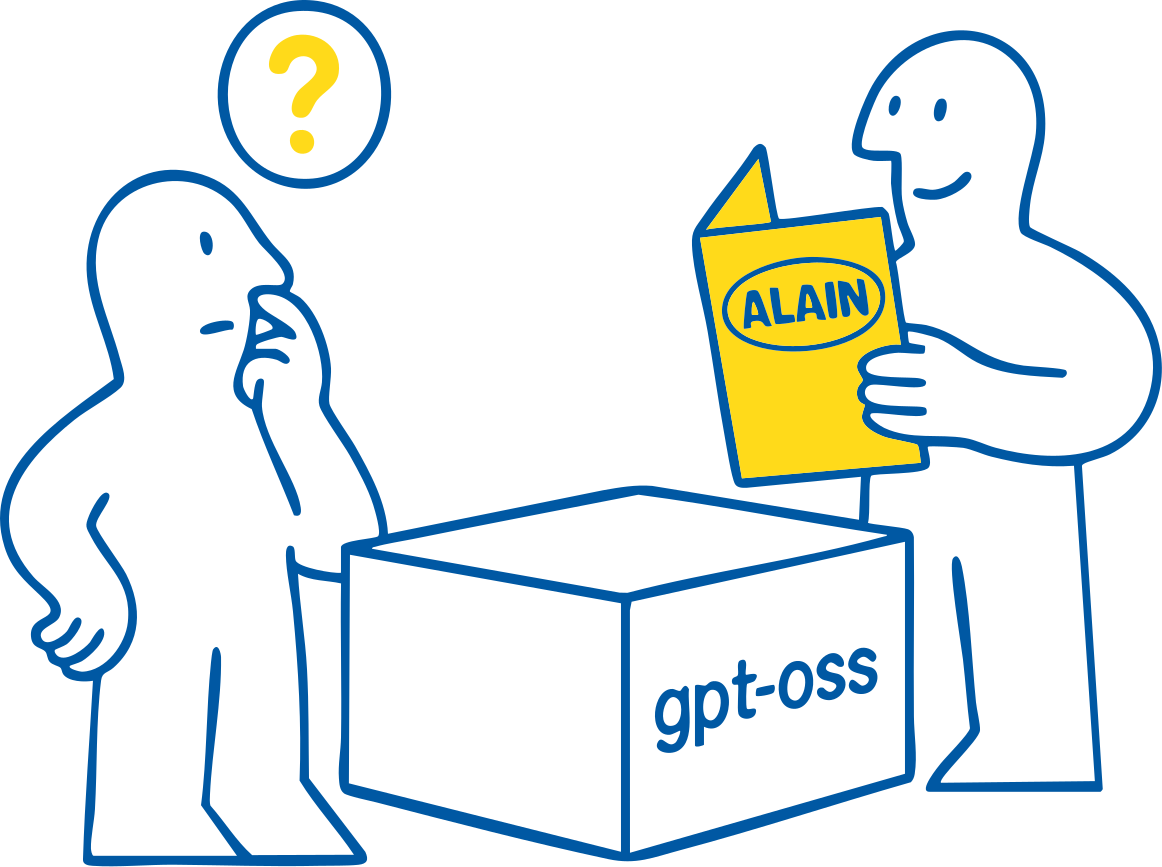
An ALAIN manual illustration

Paste a Hugging Face link

Get started with any model by pasting its Hugging Face repo (owner/model) or full URL.

Outline-first pipeline

Keep every stage observable

Research Scout, Lesson Architect, and Outline Builder lock model context into deterministic JSON before a single section is drafted.

  • Replay or tweak any stage without losing downstream work.
  • Artifacts stay versioned so handoffs include exact prompts and refs.
Validators + repairs

Ship notebooks reviewers trust

Semantic Reviewer and Quality & Colab Fixer catch placeholders, markdown/code drift, and runtime issues before anything ships.

  • Auto-repair paths keep JSON on schema and surface retry history.
  • Validation summaries highlight required manual follow-ups.
Provider choice

Switch runtimes without rewriting

ALAIN works with Poe, OpenAI-compatible gateways, and local Ollama or vLLM so the same lesson contract follows your deployment.

  • Environment instructions ship inside each generated notebook.
  • Metrics + metadata blocks keep CI, Colab, and launch teams aligned.

Preview the notebook before export

ALAIN assembles markdown, runnable cells, validators, and analytics metadata before you ever download the `.ipynb`. Review it, edit it, or rerun any stage without losing the thread.

ALAIN · Sample Notebook
Live preview
Markdown cell

Step 1 · Capture the brief

Paste a model card or spec. ALAIN extracts guardrails, objectives, and constraints into structured JSON so every downstream stage stays aligned.

Editors can pause here, adjust the outline, and replay the remaining stages with a single command.

Checklist
  • Install requirements with `%pip install -r requirements.txt`.
  • Set `POE_API_KEY` or point `OPENAI_BASE_URL` to your compatible endpoint.
  • Run the smoke test cell before diving into experiments.
Code cellPython

Teacher smoke test

from alain_kit.runtime import client
client.health_check(model="gpt-oss-20b")
outline, sections = client.generate_notebook(ref="TheBloke/gpt-oss-20b")
print(f"Outline steps: {len(outline['steps'])}")
Output
  • ✓ Outline schema repaired (2 retries)
  • ✓ 6 sections generated · Markdown 58% / Code 42%
  • ✓ Colab checks passed · Runtime estimate 6 min
Sample cells and summary from an ALAIN generated notebook.

How ALAIN builds a manual

Eight observable stages move a messy model card into a reviewed lesson. Every checkpoint stores artifacts and timings so you can replay just the part that needs love.

Research Scout

01

Digest cards, specs, and community notes into a structured brief you can reuse.

Lesson Architect

02

Define learners, objectives, and assessments so downstream stages stay aligned.

Outline Builder

03

Capture titles, references, and sequenced steps in deterministic outline JSON.

Section Scribe

04

Expand each step into balanced markdown, runnable code, and reproducibility callouts.

Classroom Monitor

05

Catch placeholders, missing next steps, or uneven pacing before reviewers ever look.

Semantic Reviewer

06

Audit clarity, terminology, and completeness with targeted repair notes.

Quality & Colab Fixer

07

Apply Colab runtime fixes automatically and capture expected runtimes for handoff.

Orchestrator

08

Assemble the notebook, validation summary, and artifacts so you can export with confidence.

Run it anywhere

Swap teachers and runtimes without rewriting your docs. The same prompts and validators travel from hosted Poe to OpenAI-compatible APIs to local Ollama or vLLM runs.

Poe (default)

Fastest path to GPT-OSS teachers—just add `POE_API_KEY`.

  • Set `POE_API_KEY` in `.env`.
  • Run `npm run dev:hosted` or CLI `--baseUrl https://api.poe.com`.

OpenAI-compatible

Point at existing enterprise infra and reuse your gateway policies.

  • Provide `OPENAI_BASE_URL` and `OPENAI_API_KEY`.
  • Web + CLI share the same config automatically.

Local (Ollama / vLLM)

Keep lessons fully offline with the same prompts and validations.

  • Expose `http://localhost:11434` or your vLLM endpoint.
  • Skip `--apiKey`; notebooks stay local-first.